
Funds in your account
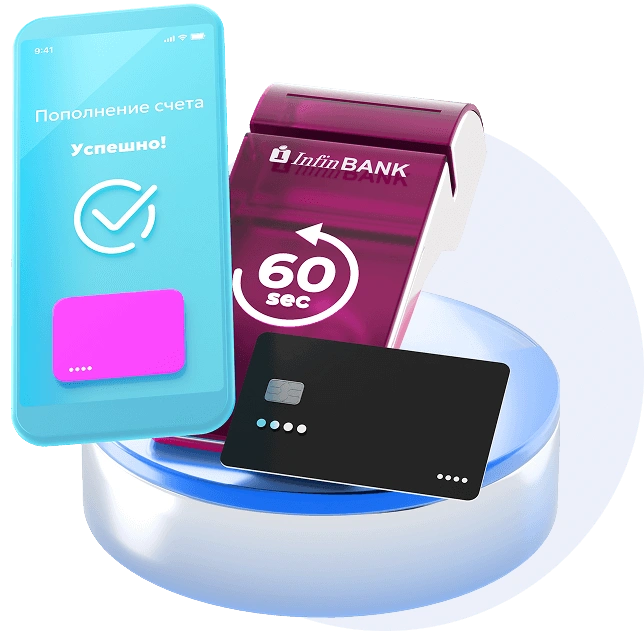
1 minute after payment
24/7 settlement via POS terminals
with no weekends or waiting
Modern terminals for rent
with connection in 1 day and instant revenue deposits to your InfinBANK account
What’s the difference?
The sale is complete and the money is already in your account.
InfinBANK is the first bank in Uzbekistan to ensure that revenue from terminal payments is credited within one minute, regardless of the time of day or day of the week.
Once a customer pays by card, the funds are available in your account almost instantly. At night, on a weekend, or on a holiday — with no delays or holds.
Once a customer pays by card, the funds are available in your account almost instantly. At night, on a weekend, or on a holiday — with no delays or holds.
What does an entrepreneur get?
1
No cash gaps
You don't have to wait two or three days for funds to be deposited. The money is immediately available, allowing you to promptly pay suppliers, rent, and other liabilities.
2
Real-time cash flow management
A card sale is instantly reflected on your account. You see your actual revenue and can make decisions based on up-to-date data.
3
Transparency and control
All transactions are recorded and available for analysis. It's easier to monitor retail outlets and plan the development.
Terminals and connection

Connection in 1 business day

We provide modern POS terminals for rent and fully support the connection process.

It takes only one day from application to launch, after which you immediately start accepting payment and receiving funds to your account within minutes.
No complex procedures, no prolonged deadlines, no excessive bureaucracy
Who is this solution for?

Small and medium-sized businesses

Retail stores

Service companies

Food service establishments

Any business where rapid cash flow is importantв
If quick revenue and sales control are critical for you, this solution is created specifically for you.